A CREATIVE LIBRARY FOR WHAT COMES NEXT
CREATE LAB DIGITAL LIBRARY

THE CREATOR'S EDITION · PLR + MRR

Your ideas.
Beautifully
in motion.

A carefully curated library of 200+ editable Canva template packs and 15,000+ pages for planners, journals, trackers and more.

Canva editable Instant digital access Resale license included*
Explore the Bundle One bundle. More room to create.
THE DIGITAL COLLECTION
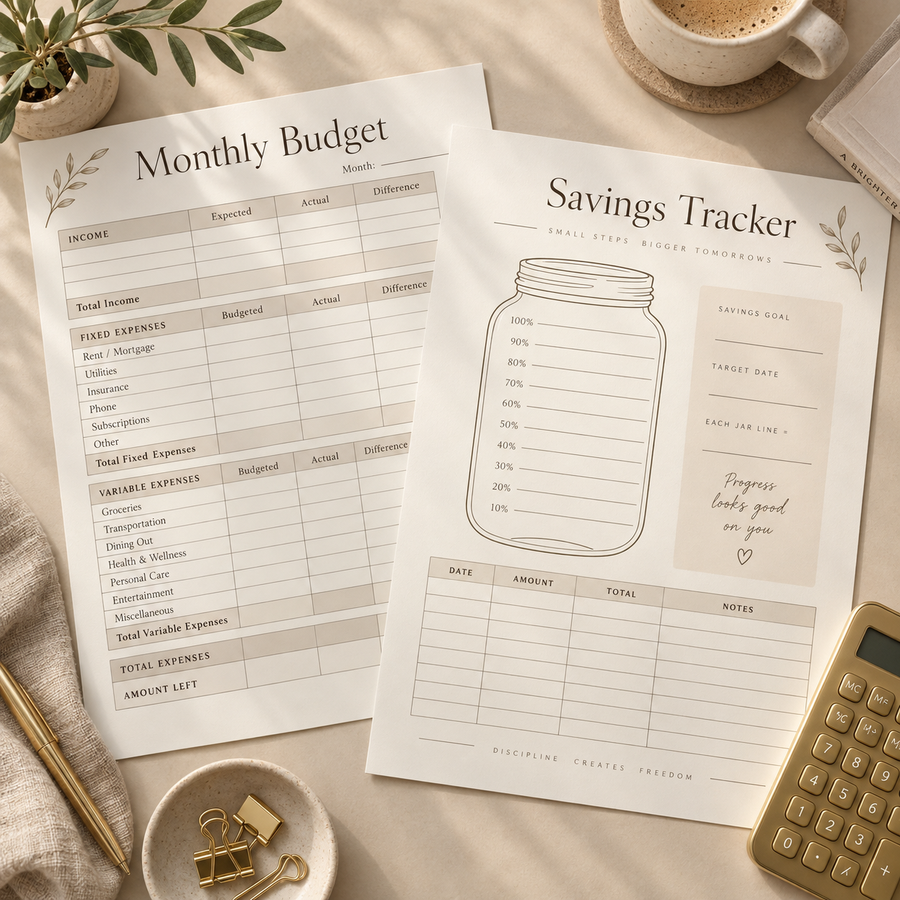
Preview of Create Lab's editable planner, journal and digital template bundle
CURATED FOR CREATORS✦DESIGNED FOR YOUR NEXT IDEA
15,000+EDITABLE PAGES
✦CREATE • CUSTOMIZE • BUILD
*Commercial uses depend on the included PLR/MRR license terms.

ALL IN ONE BUNDLE

PLANNERS & JOURNALS

EDITABLE IN CANVA

200+ TEMPLATES.

WHAT MAKES US
DIFFERENT

Start creating with 200+ editable Canva templates, including planners, journals, trackers, and worksheets across multiple categories. Customize them for your needs or your brand—all in one bundle, with a one-time payment.

CREATE LAB Others
Master Resell Rights ✓ ✗
One-Time Payment ✓ ✗
Lifetime Access ✓ ✗

Frequently Asked Questions

What’s included in the bundle?
Start creating with 200+ editable Canva templates, including planners, journals, trackers, and worksheets across multiple categories. Customize them for your needs or your brand—all in one bundle, with a one-time payment.
How do I access my templates?
The bundle includes a PDF with links to the templates. Open the PDF, choose a template, and follow its link to start editing in Canva.

Can I customize the templates?
Yes! You can edit the text, colors, fonts, and layouts in Canva to match your style or brand.
Do I need a computer?
A computer is recommended for easier editing, especially for larger templates. You can also access Canva on a phone or tablet.

Bring Your Ideas to Life—

Without Starting from Scratch

Creating every page from scratch takes time. Start with ready-made templates and spend more time making them your own.

Explore 200+ editable Canva templates, including planners, journals, and trackers. Customize the colors, fonts, and layouts to match your style—all in one bundle.

EASY CUSTOMIZATION IN CANVA

Your Templates. Your Style.

Save time creating digital products for your shop. Customize the templates in Canva with your brand’s colors, fonts, and style, then prepare your collection for sale according to the included license terms. From planners and journals to trackers and worksheets, give your customers more choice without designing every page from scratch.

More Variety for Your Digital Shop


Build a collection that fits your audience. Explore templates for business, budgeting, self-care, and home organization. Choose your niche, customize the designs to match your brand, and prepare products for your shop according to the bundle’s license terms.

One Bundle. So Many Possibilities.

𝗗𝗜𝗚𝗜𝗧𝗔𝗟 𝗗𝗢𝗪𝗡𝗟𝗢𝗔𝗗 𝗢𝗡𝗟𝗬 — 𝗡𝗢 𝗣𝗛𝗬𝗦𝗜𝗖𝗔𝗟 𝗣𝗥𝗢𝗗𝗨𝗖𝗧

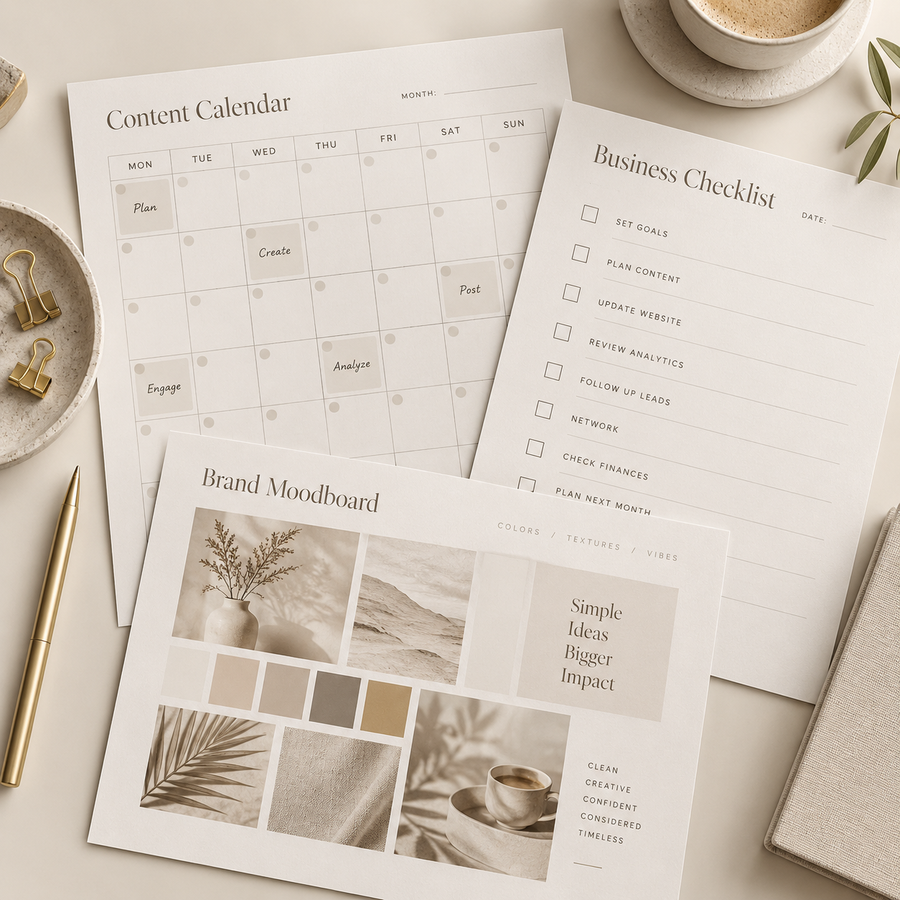
Business & Marketing

Business & Marketing

Content calendars and business checklists.

Budgeting & Finance

Budgeting & Finance

Budget worksheets and savings trackers.
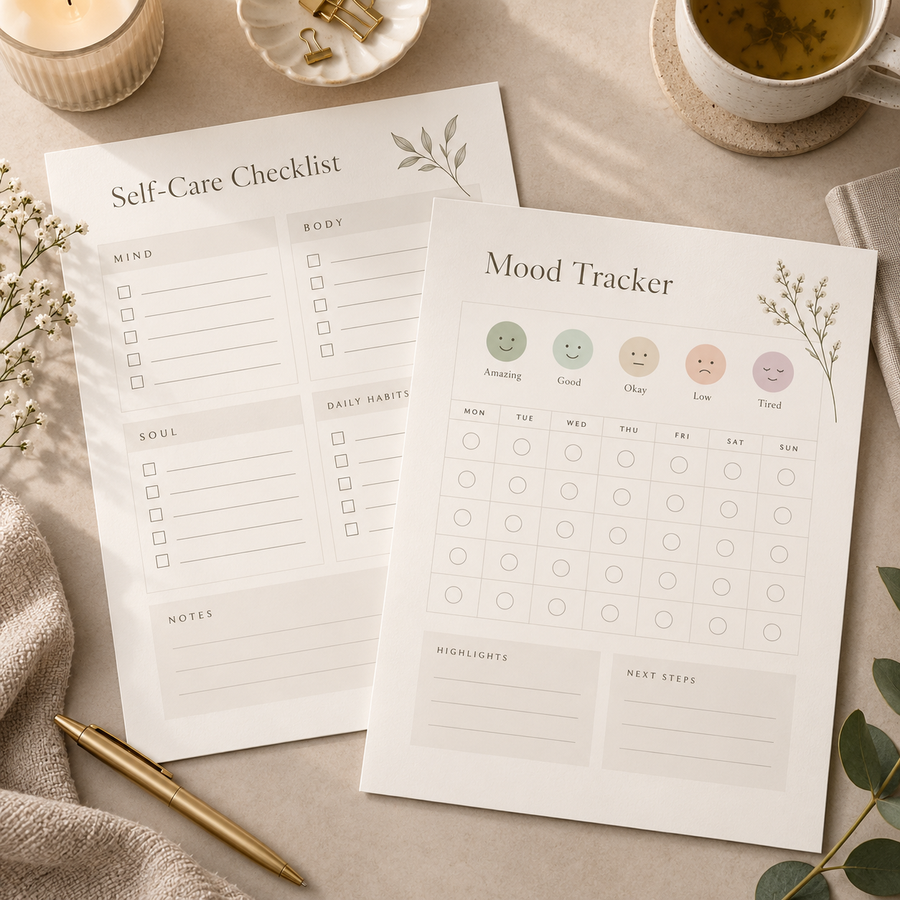
Self-Care & Wellness

Self-Care & Wellness

Self-care checklists and mood trackers.
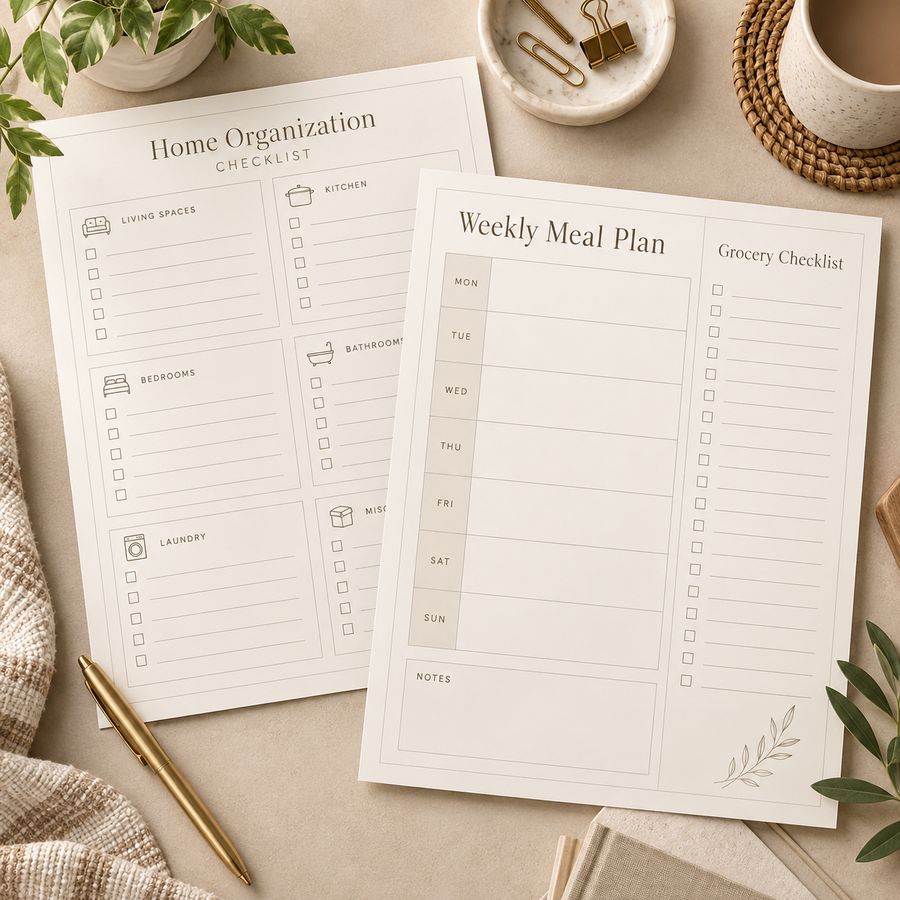
Home & Organization

Home & Organization

Home checklists and meal organizers.

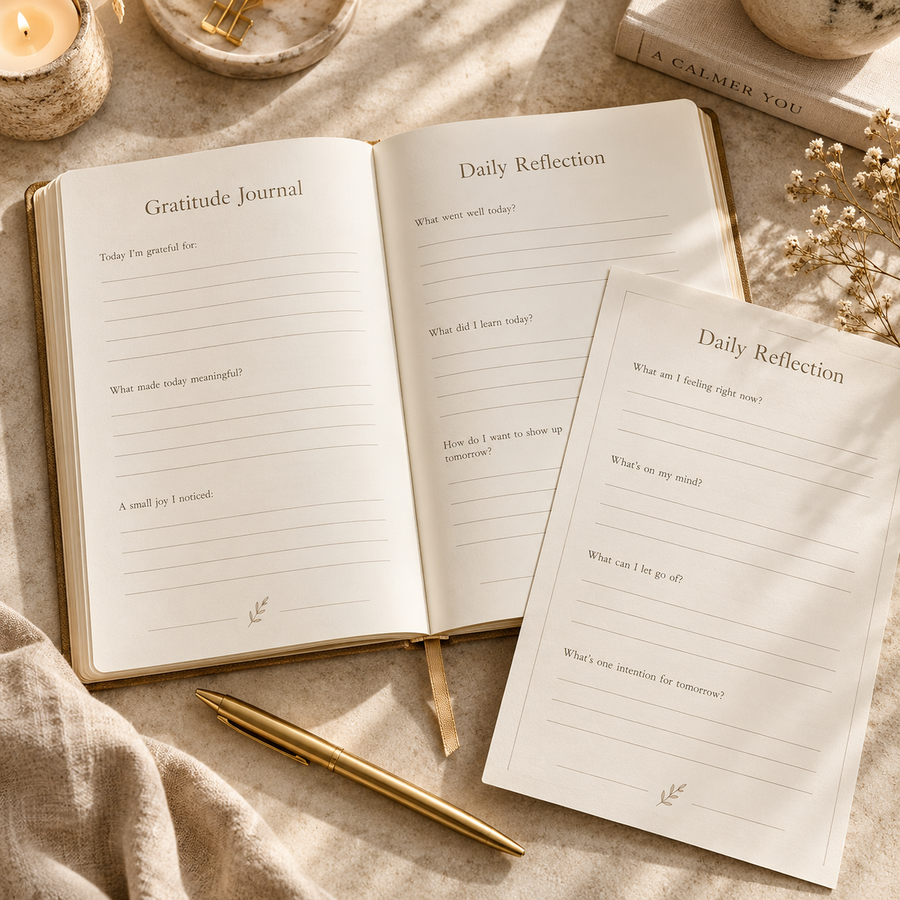
Journals & Reflection

Journals & Reflection

Gratitude journals and reflection pages.
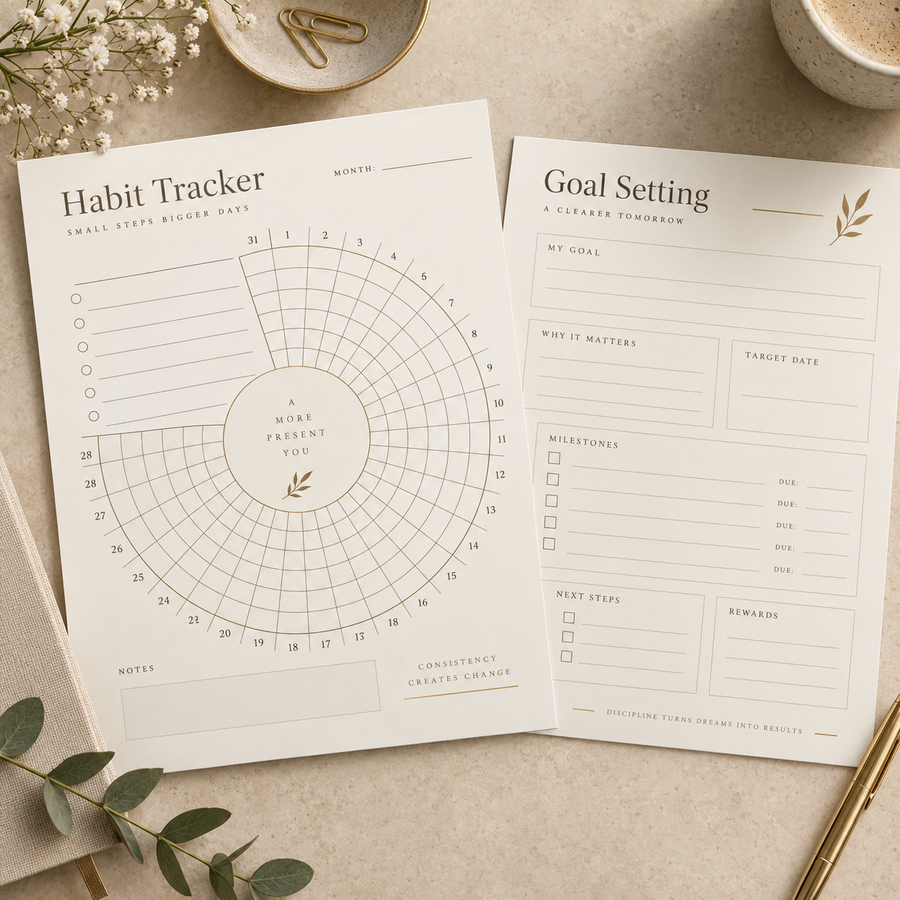
Habits & Goals

Habits & Goals

Habit trackers and goal-setting worksheets.
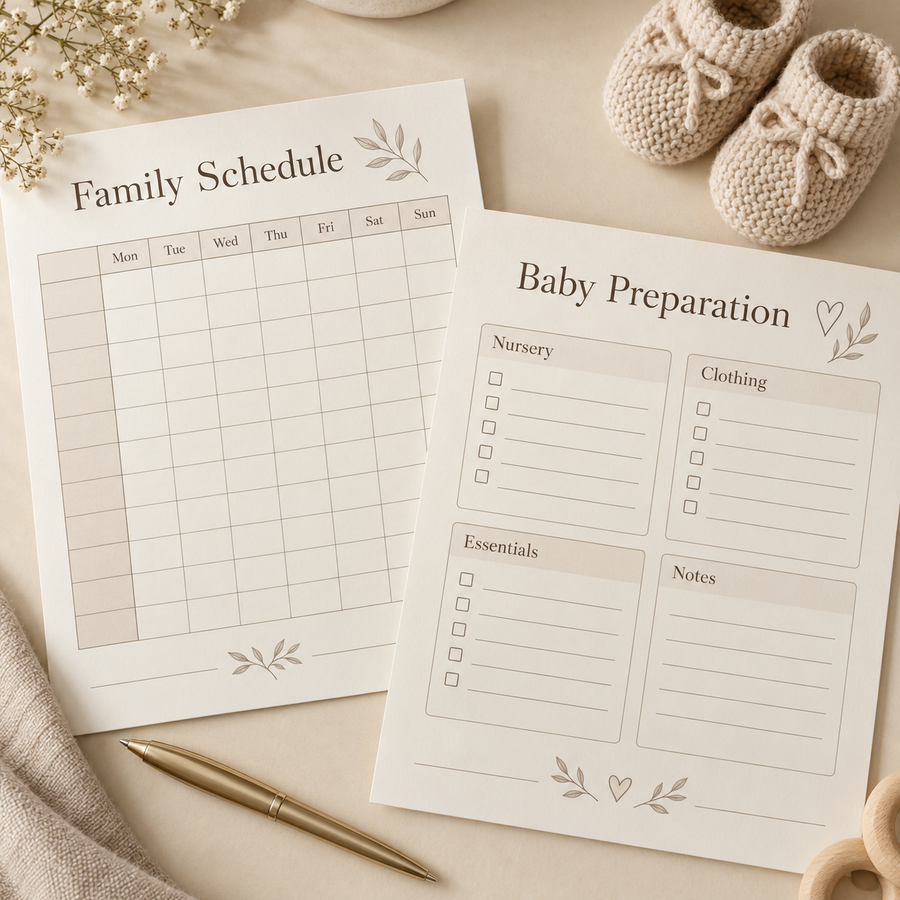
Family & Pregnancy

Family & Pregnancy

Family schedules and pregnancy preparation checklists.
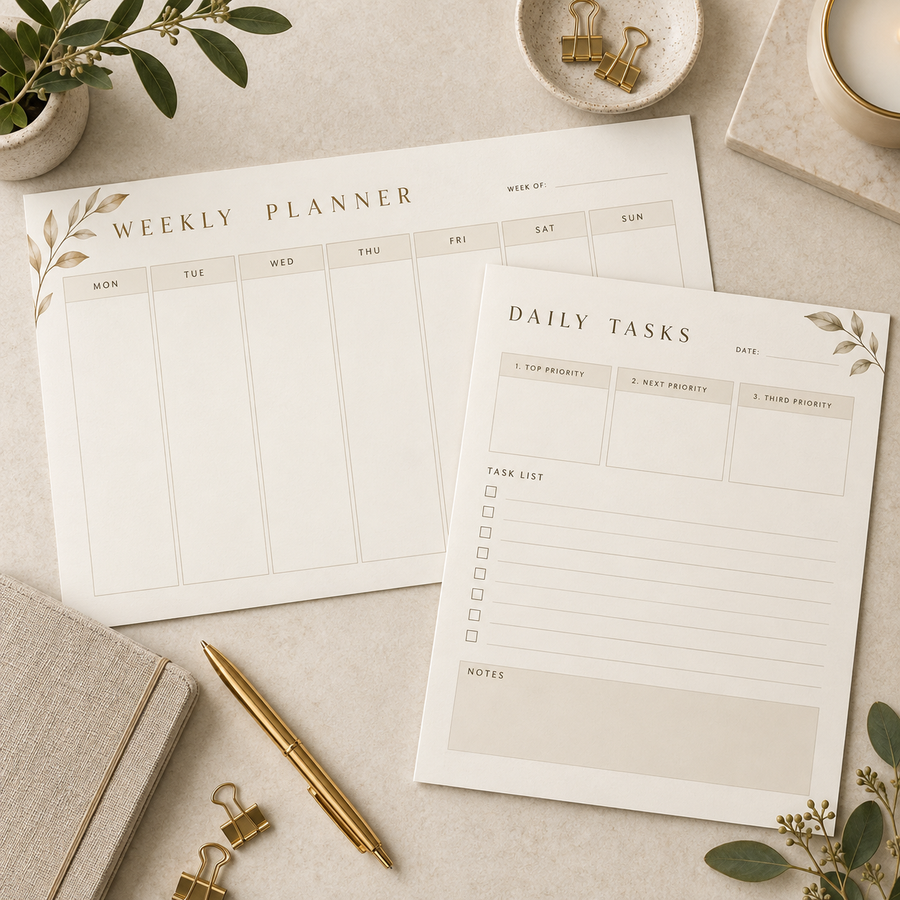
Daily & Weekly Planning

Daily & Weekly Planning

Daily task pages and weekly planners.

Illustrative mockups

Will I receive a physical product?
No. This is a digital template bundle. No printed planners, books, devices, or accessories will be shipped. Styled product images are illustrative mockups.
Can I use the templates for myself? Do I need Canva Pro?
Absolutely! Use the templates for your own planning, journaling, budgeting, or business organization—you don’t have to resell them.
All included templates work with a free Canva account. After purchasing the bundle, you can customize and download them without a Canva Pro subscription. Adding optional Pro elements in Canva may require payment.
What should I check before selling products made with these templates?
Check the bundle’s license terms for the permitted uses and resale restrictions. Selling a finished design, sharing editable templates, and passing resale rights to your customers are different uses—don’t assume all are included. Contact us before purchasing if you need clarification.
What if I have trouble opening a file or template link?
Please contact us through our Contact page with your order number, the email used at checkout, and a description or screenshot of the issue. This helps us identify the problem and assist you.